
Property & Evidence
Physical Property & Evidence Collection, Storage and Management
- Receive/Check In/Check Out
- Chain of Custody
- Audit
- Dispose
- Barcodes
- Lab Requests
Download the PDF
The ADAMS Property & Evidence solution (P&E) gives you rock-solid control over the collection, storage and management of evidence gathered at crime scenes. With its highly configurable screens and reports, ADAMS P&E allows you to tailor the software to your Standard Operating Procedures (SOPs). You can streamline evidence processing, reduce redundant data entry, increase efficiency, and improve check-in response time. Using barcode bag-and-tag at the crime scene, and rigorous check-in and check-out processes, your chain of custody is locked down from the time evidence is collected to laboratory analysis to its day in court and final disposition.
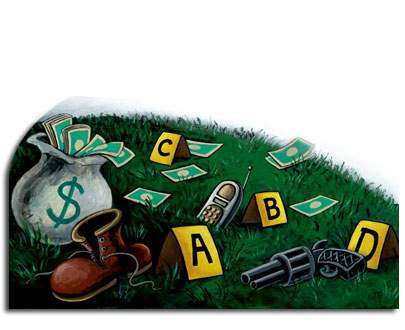
Gather evidence at a crime scene. Collect, document and check in evidence.
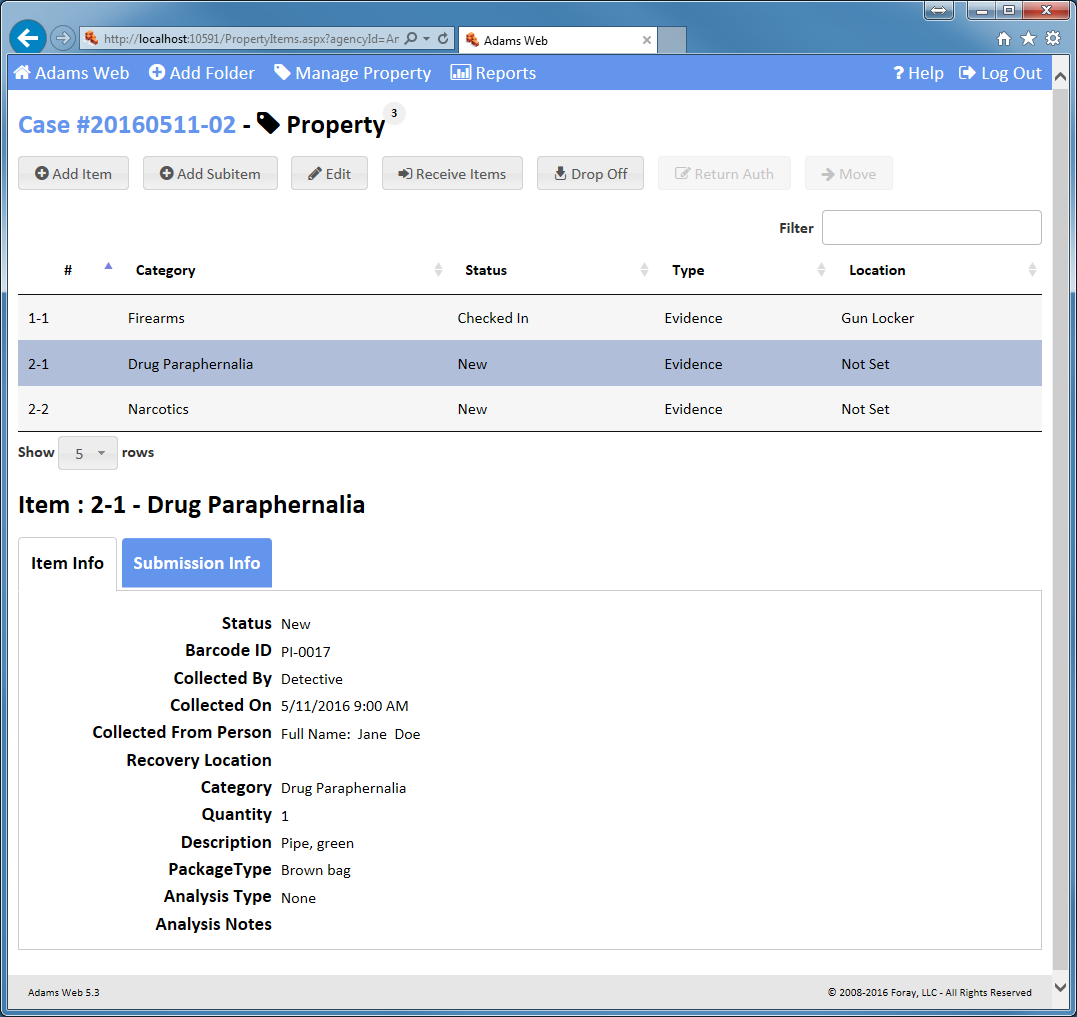
Enter property item detail. Describe property item details such as when the item was collected and where it was located along with other customizable, category-specific fields at the crime scene or at the agency.
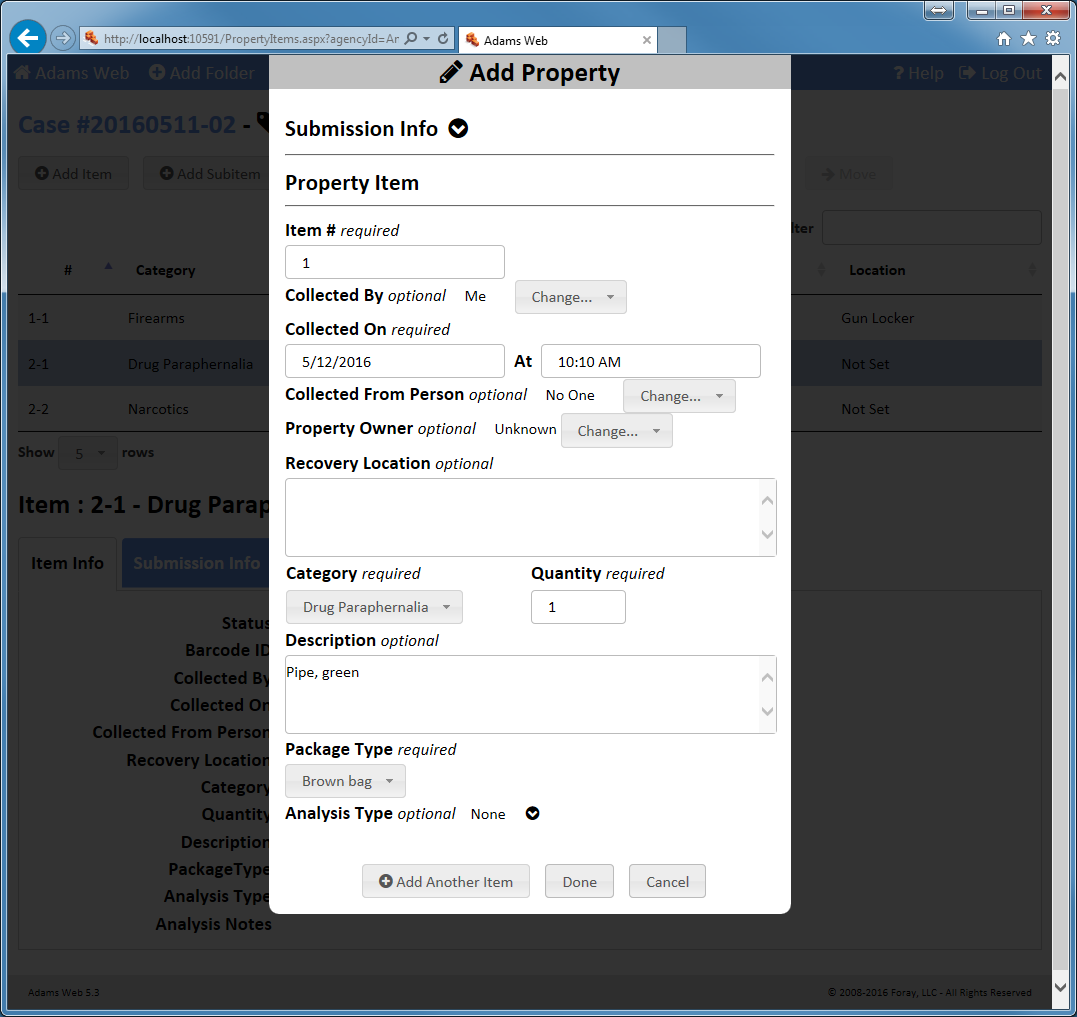
Create property sub-items. Use sub-items for tracking samples for analysis. Identify clippings from clothing, DNA samples, cartridges for firearms analysis, etc. Display a user-friendly view of the item/subitem hierarchy. Create sub-items of sub-items for a complete, detailed chain-of-custody.
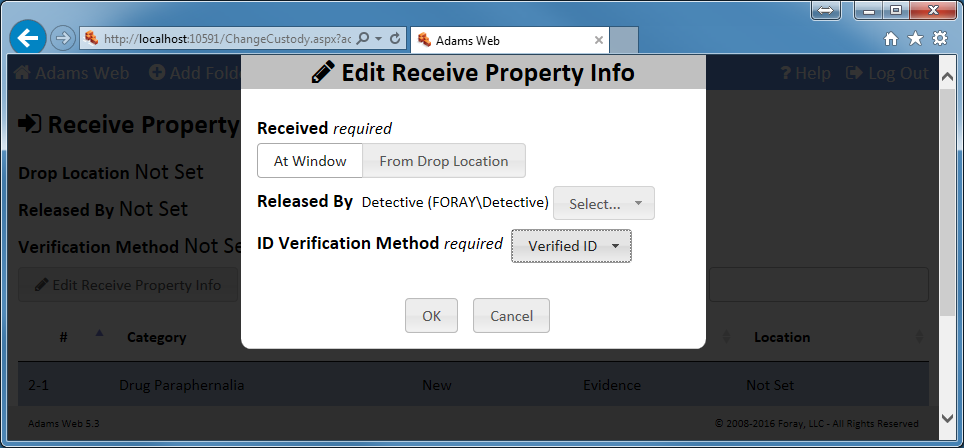
Use evidence lockers. Identify the method of delivery to the property room, whether it be in-person or by using a secure drop location.
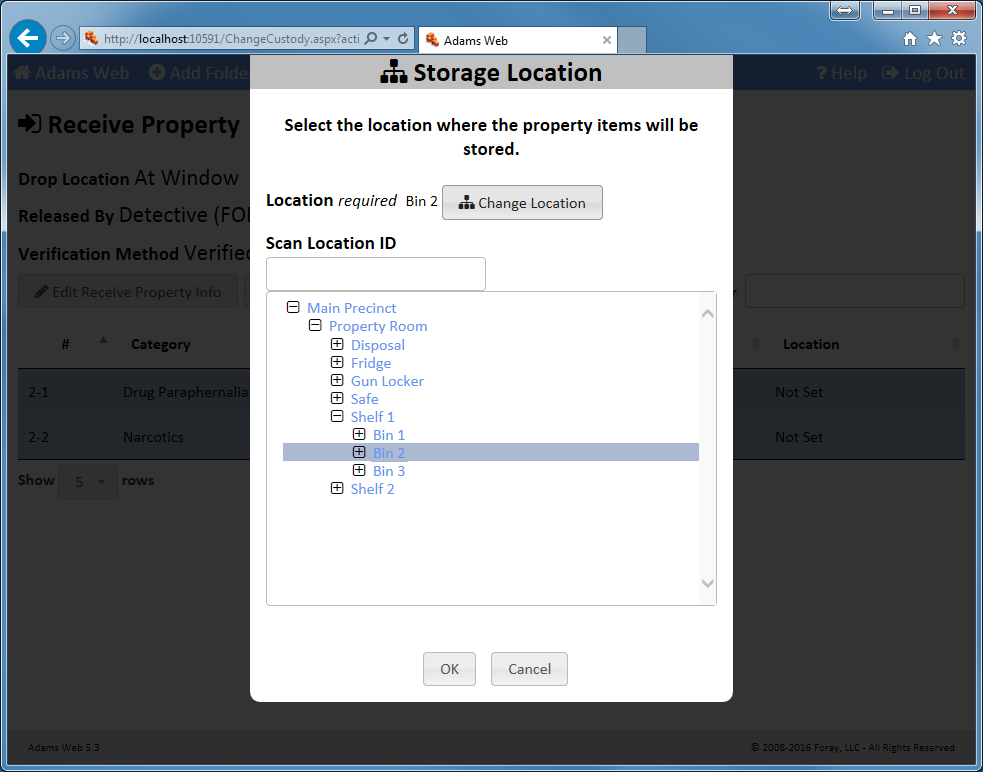
Select property room locations to store property items. Determine which locations (room, shelf, bins, cold storage, etc.) should be used for each piece of submitted evidence.
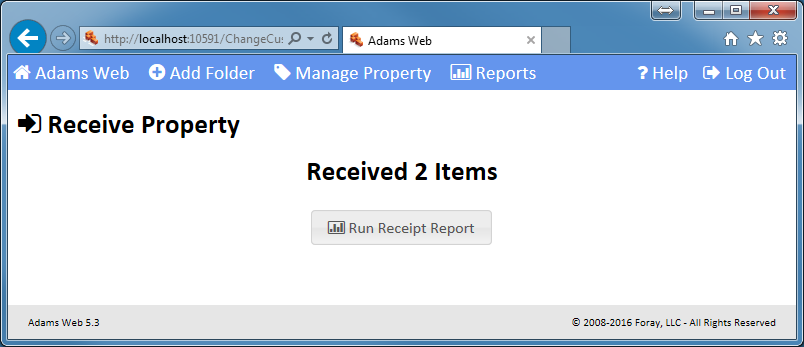
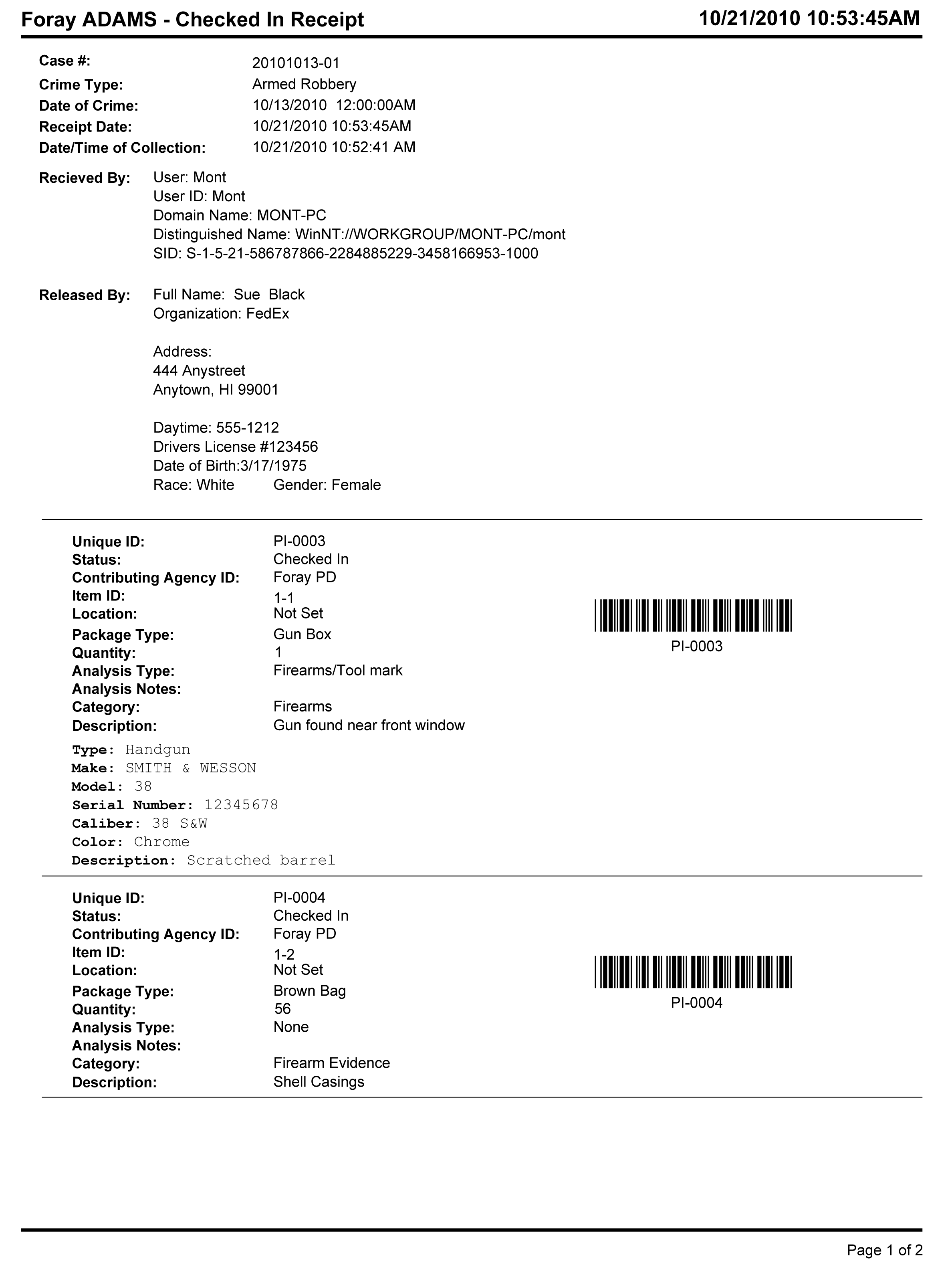
Print receipts. Create a receipt for the person submitting the evidence as a record of the change of custody.
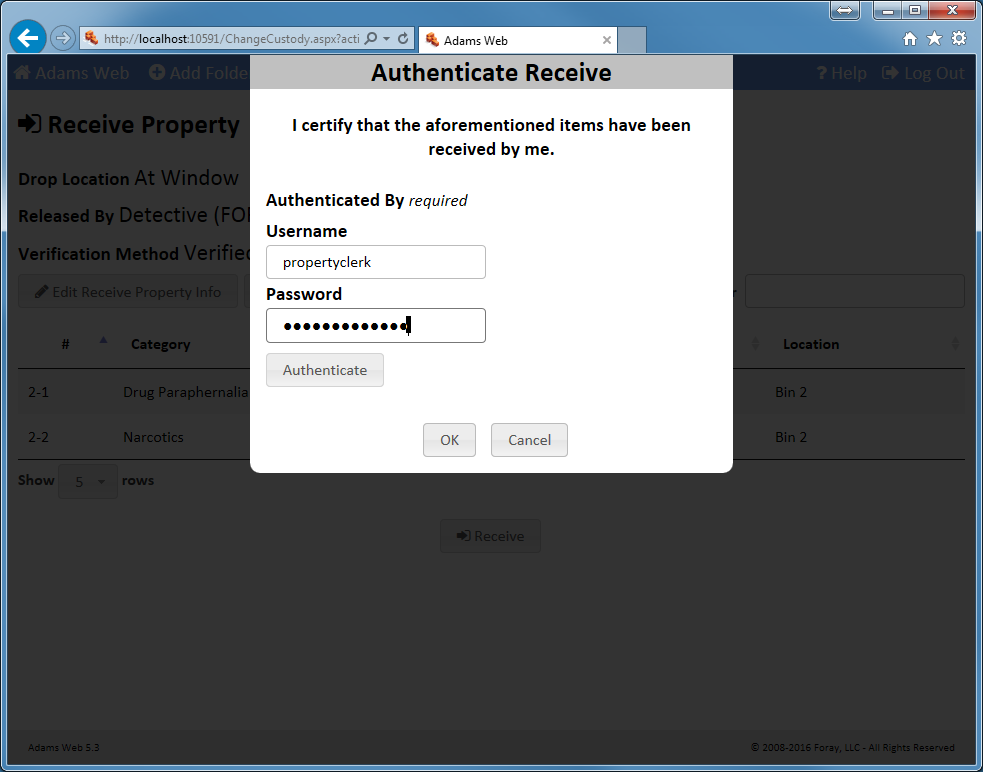
Authenticate property item releases. As an additional security step, authenticate the person that is checking out evidence using positive identification, whether they are law enforcement personnel, a common carrier, or a representative from another agency.
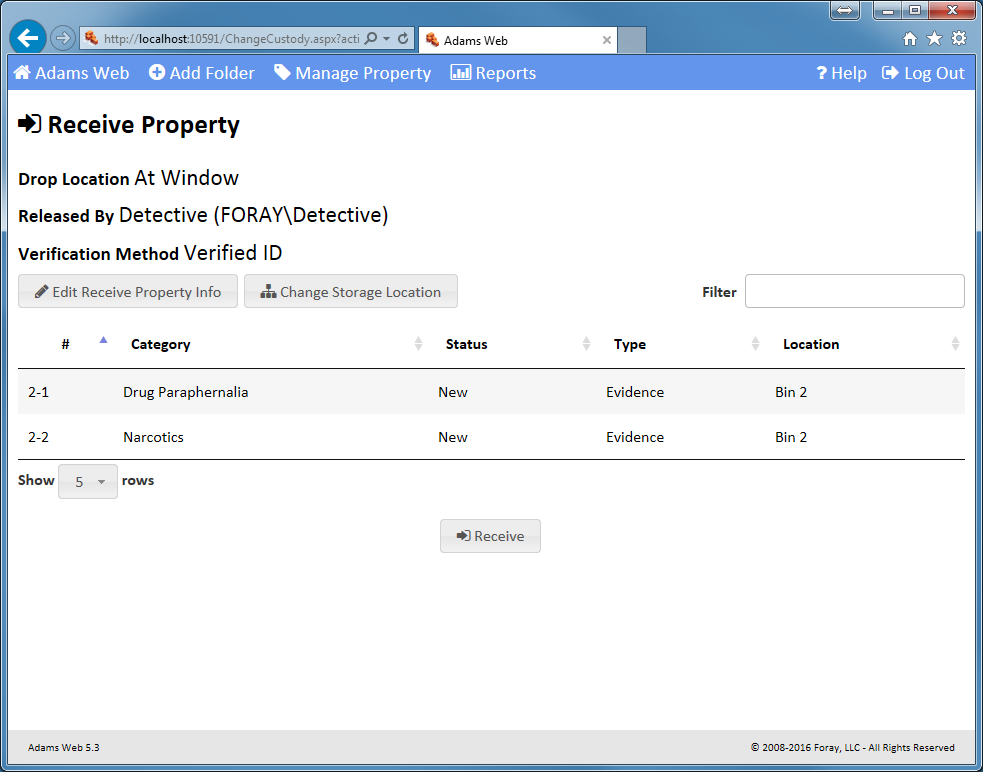
Receive Property
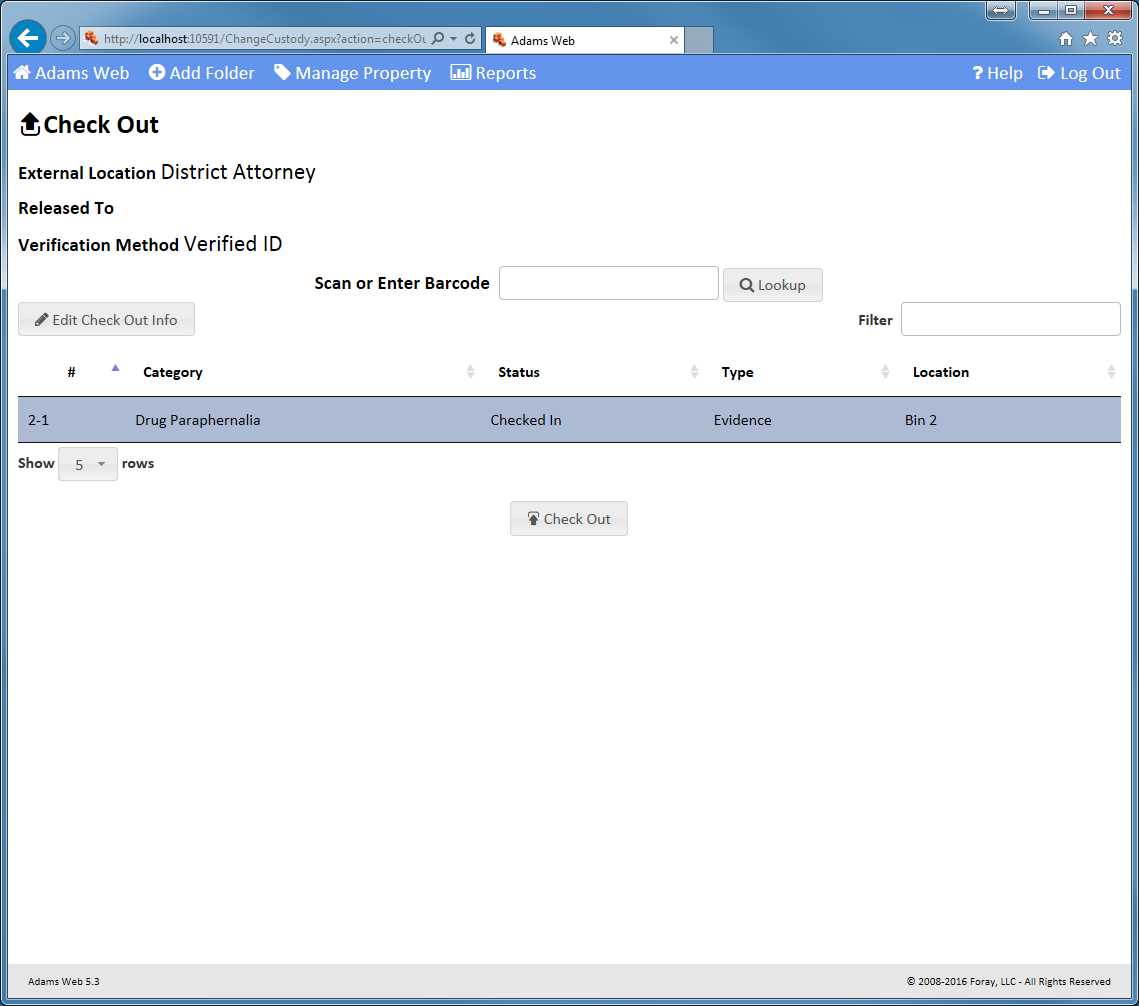
Transfer custody. Check out a property item/sub-item or group of items to the crime lab, district attorney, another agency, or any other off-site location.
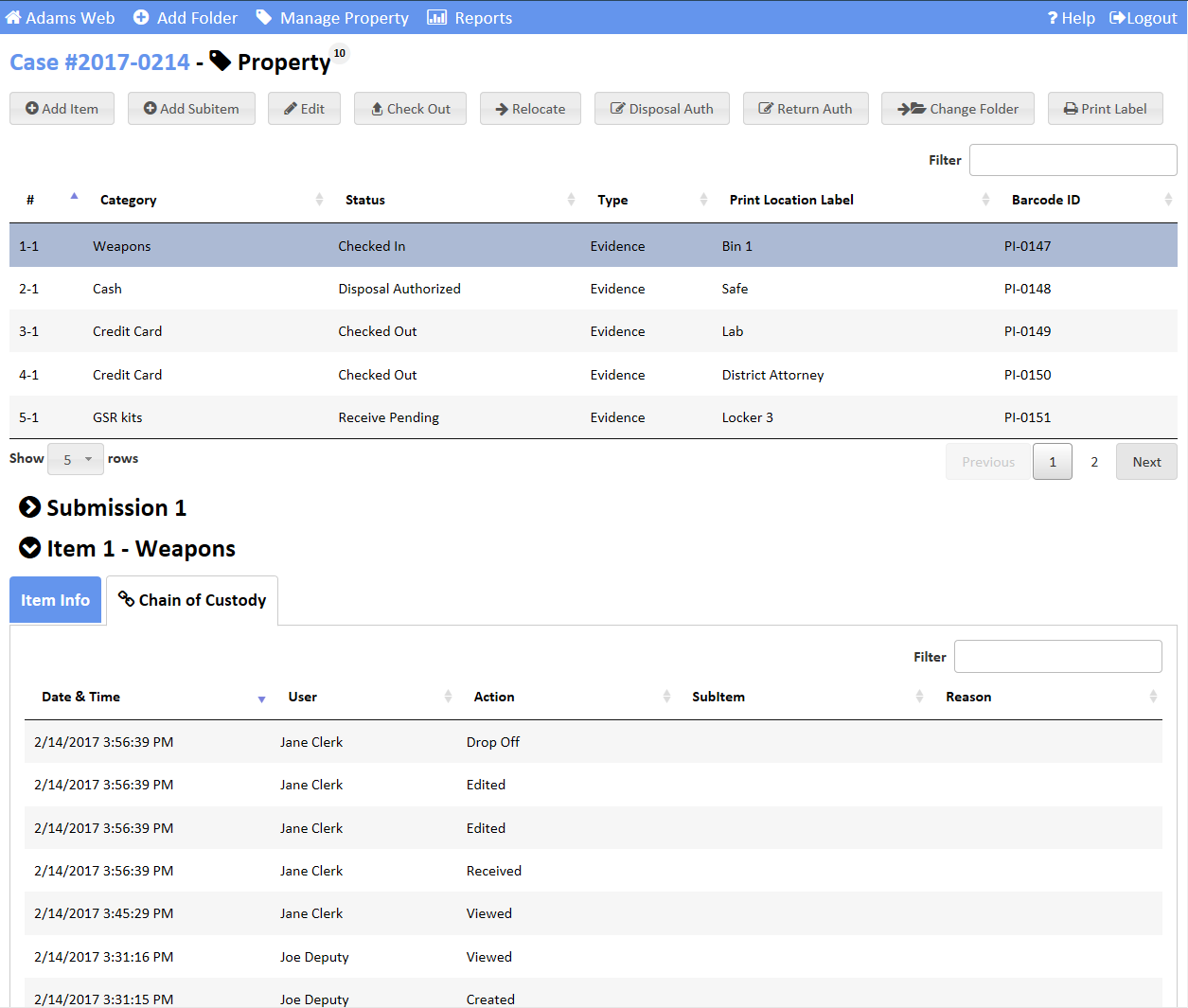
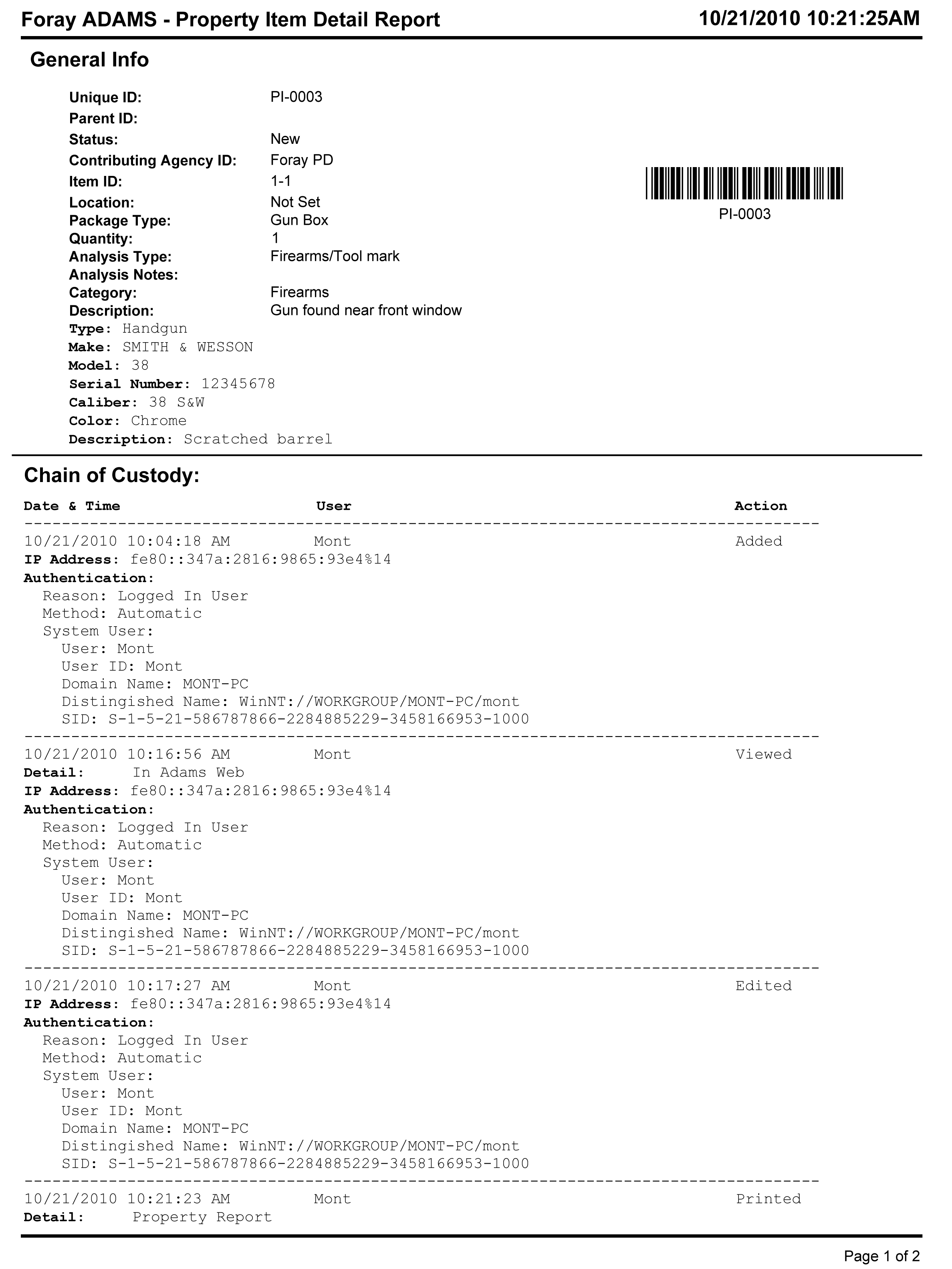
Display current propery item custody. View the current location and changes in chain of custody for selected property items.
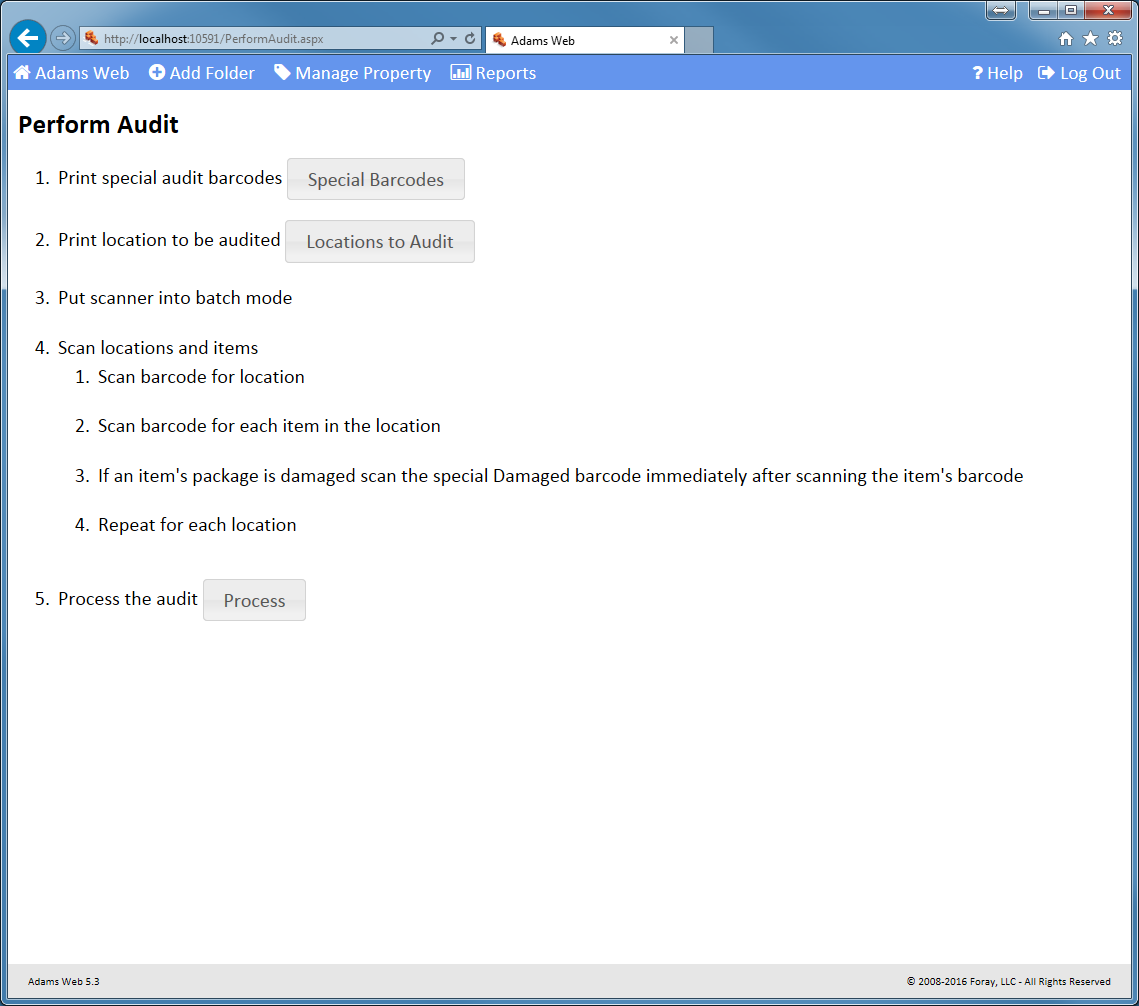
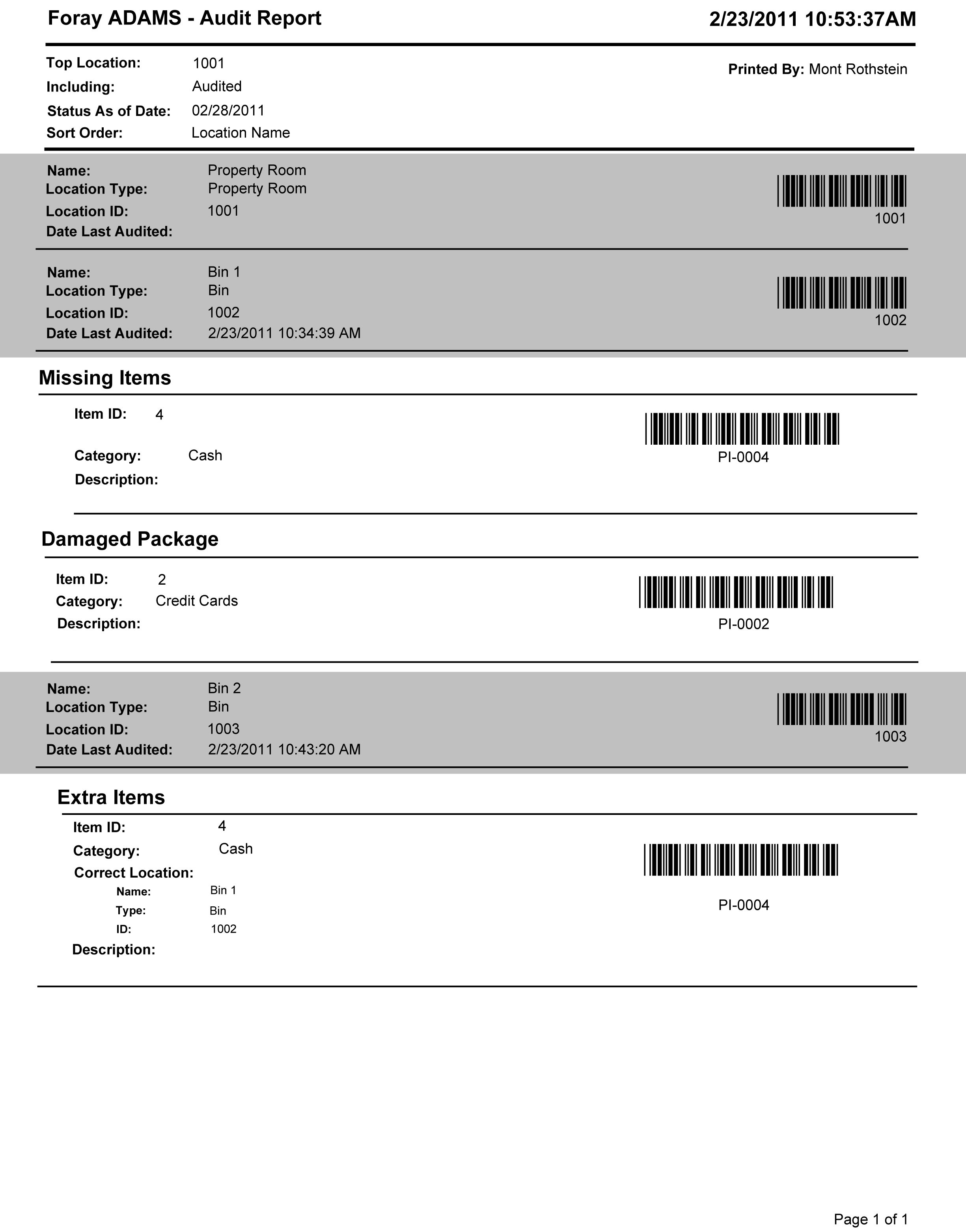
Audit. Scan locations and items to verify everything is where it should be.
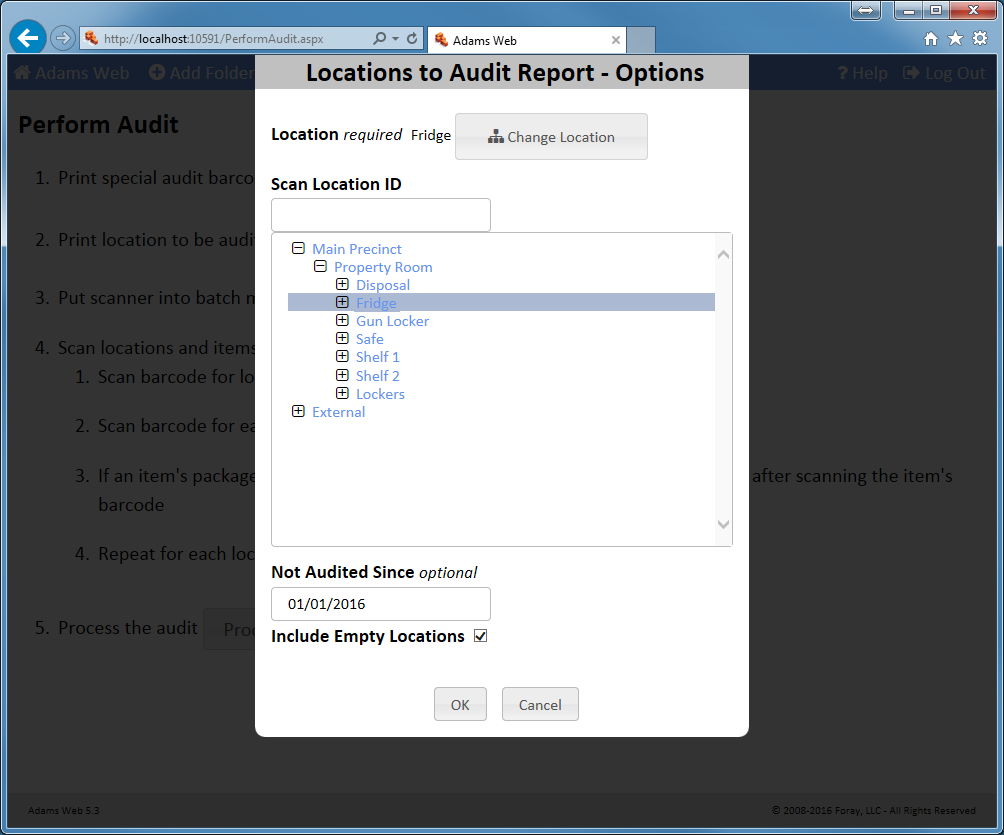
Select locations to audit. For property rooms too large to be audited at one time, create rolling audits so that the audit can be broken up over time and over selected locations.
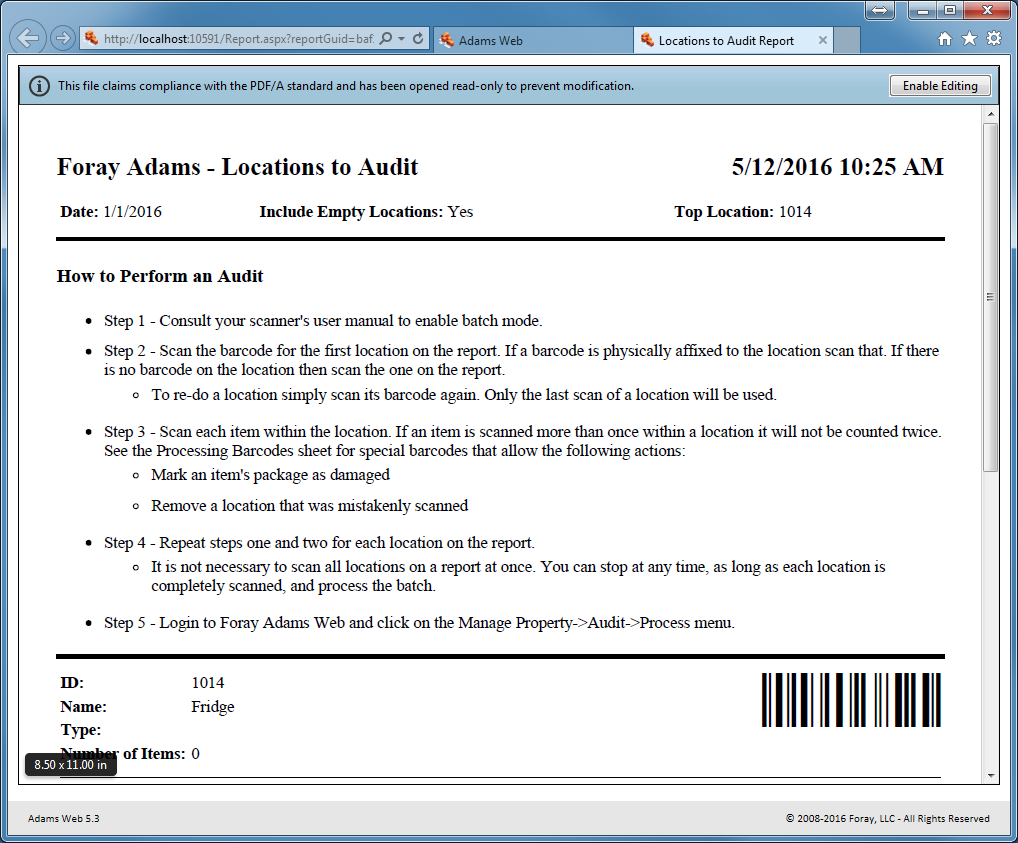
Locations to Audit Report
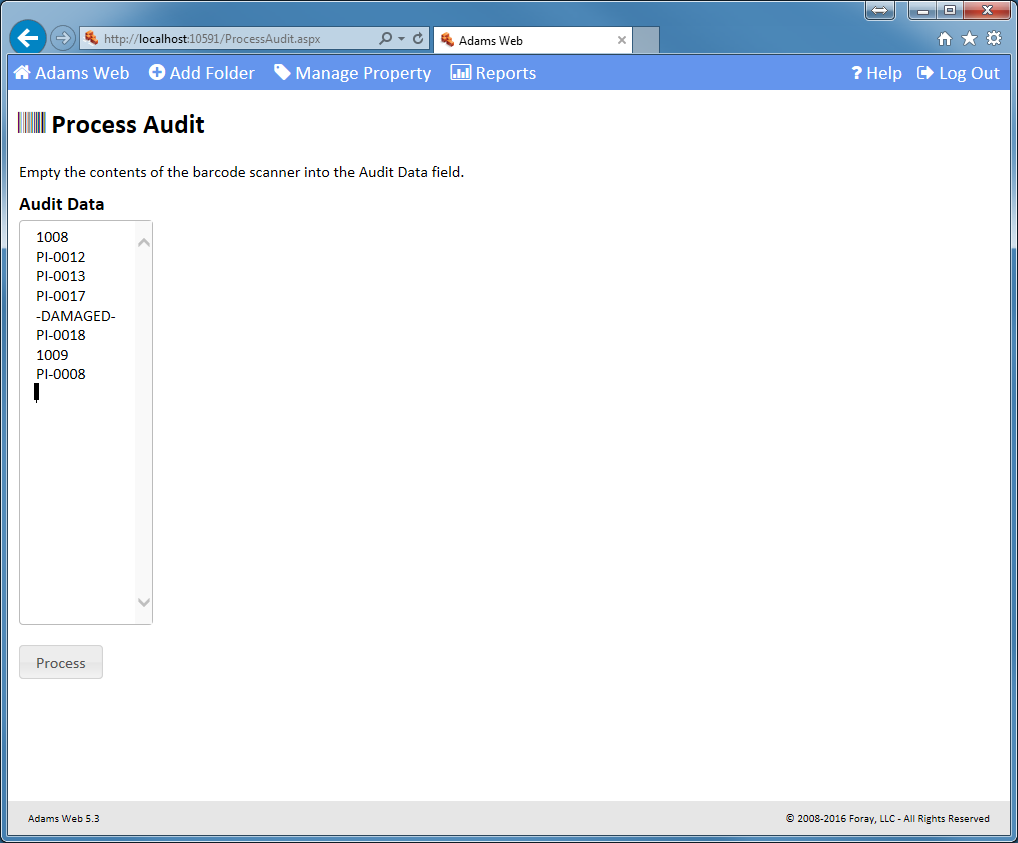
Record audit exceptions. Note exceptions to the audit, document missing or extra property items, and make note of any damaged items.
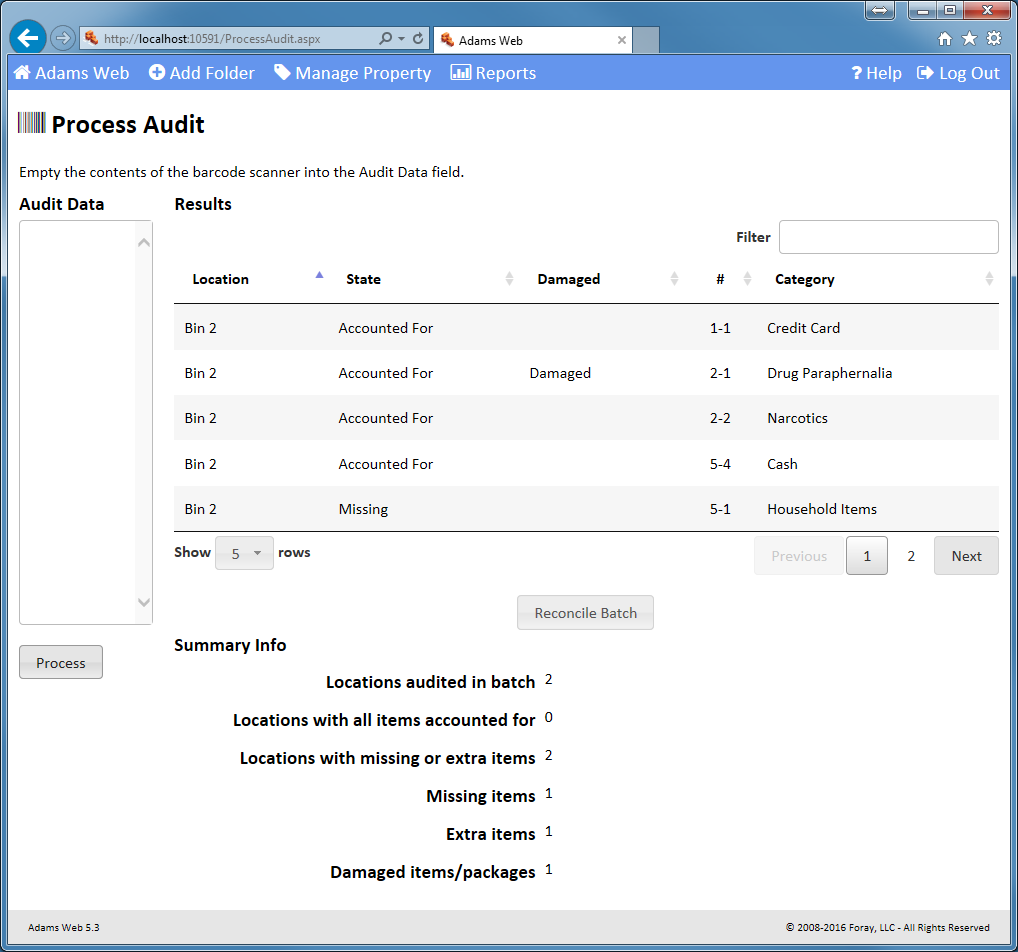
Process Audit.
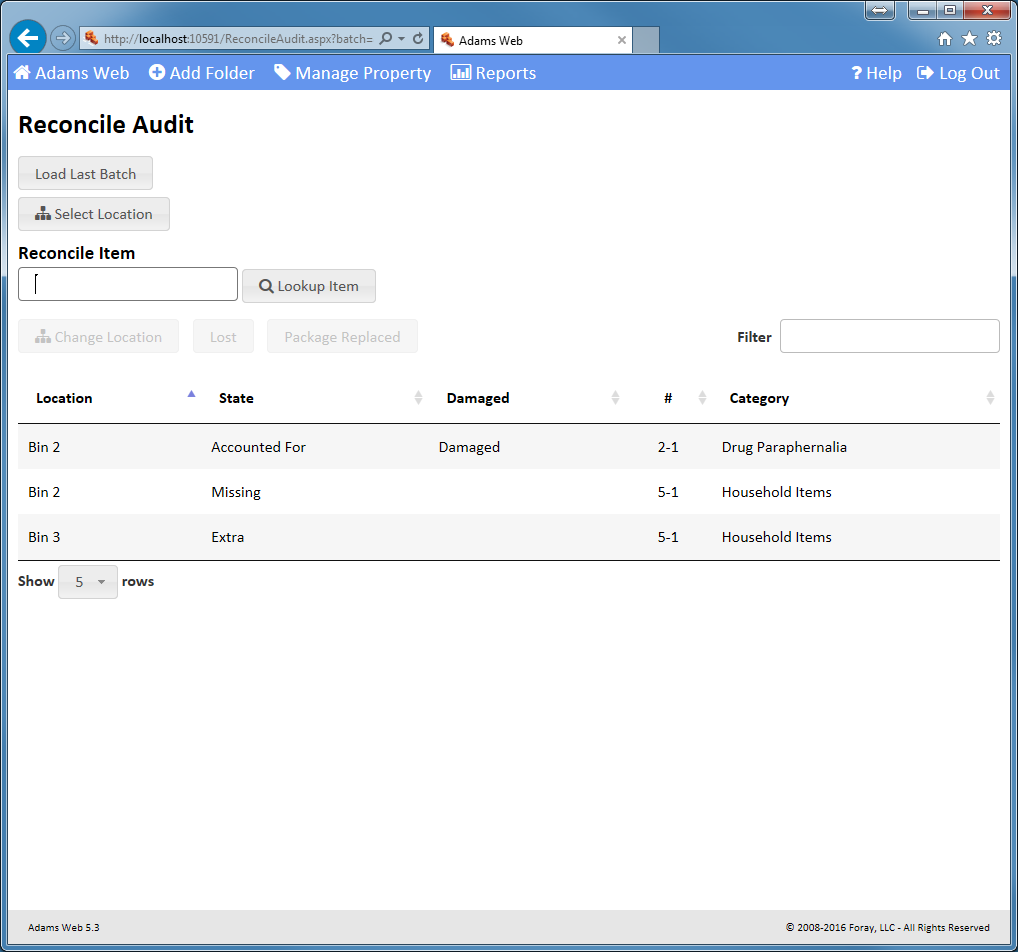
Reconcile audit.
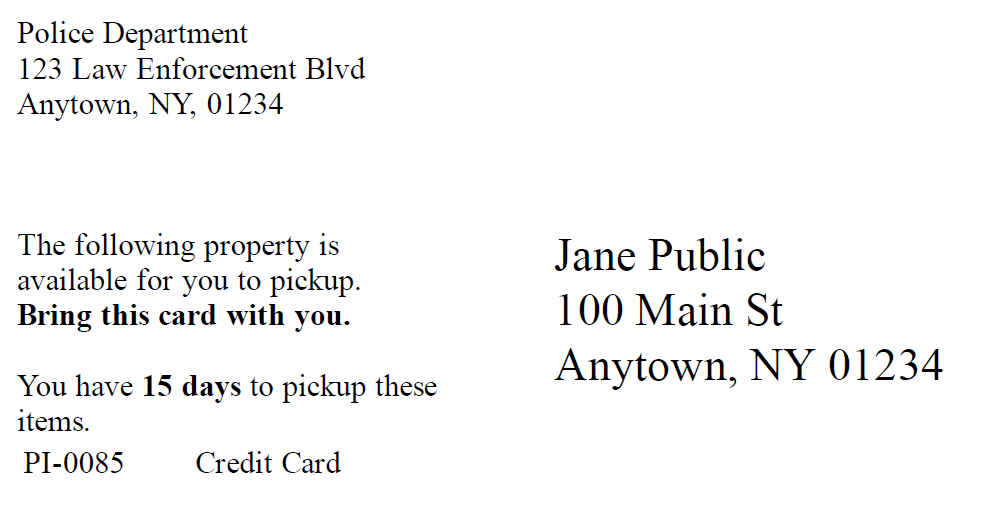
Manage Retruns. Generate and send custom postcards and letters informing owners that they can pick up their property. Meet SOPs for sending multiple and escalated notices.
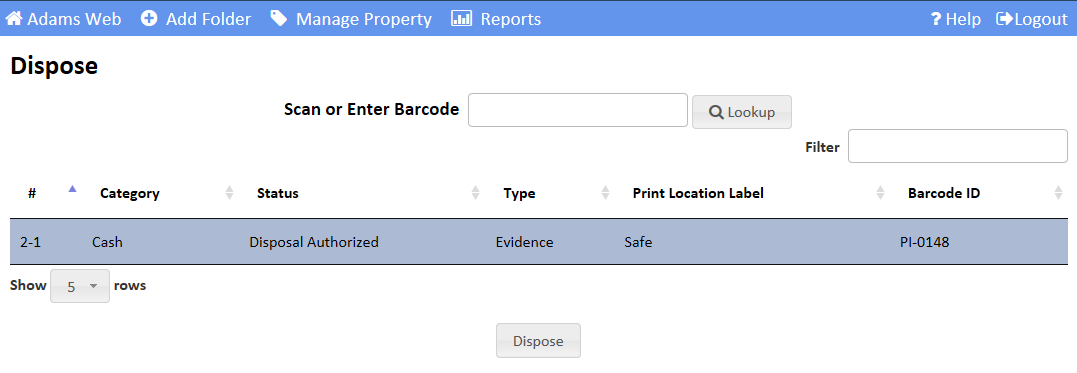
Dispose of assets. Easily find items that may be eligible for disposal. Use request management to obtain authorization to dispose. Manage approved items through the destruction, auction, return, and re-purpose processes.
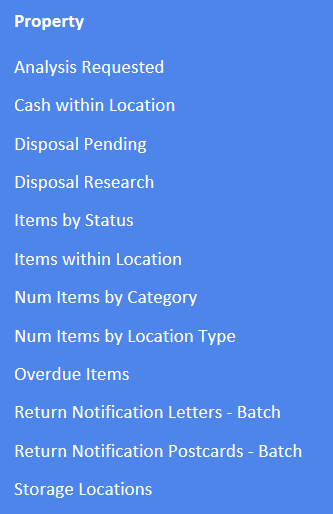
Run property reports. Generate ticklers for overdue items, items potentially eligible for disposal, items awaiting disposal, return notifications that must be sent, etc.
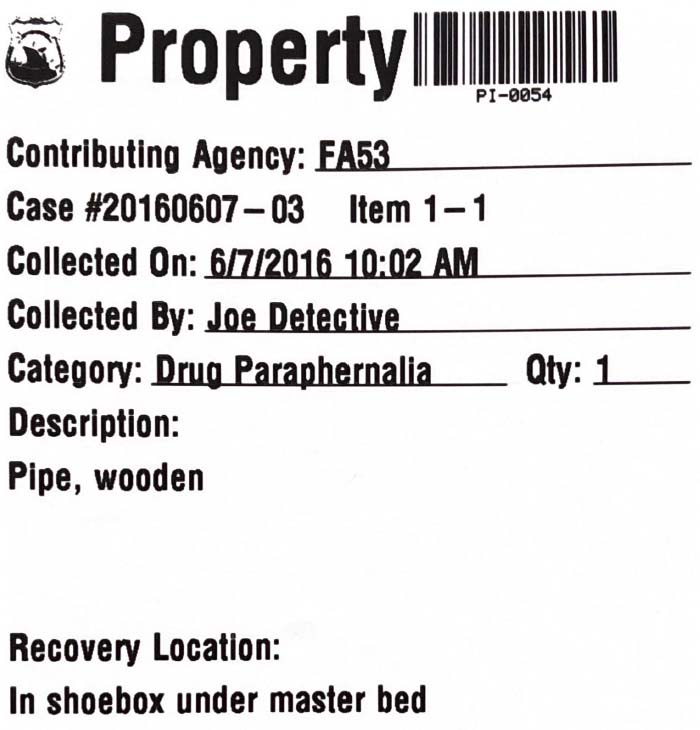
Lay out bar code labels. Customize the contents and layout of barcode labels.
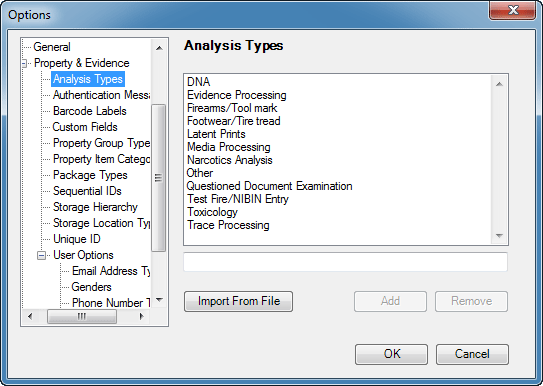
Configure analysis types. Set up various analysis types (DNA, Latent Prints, Narcotics, etc.) and track physical evidence processing throughout the lab.
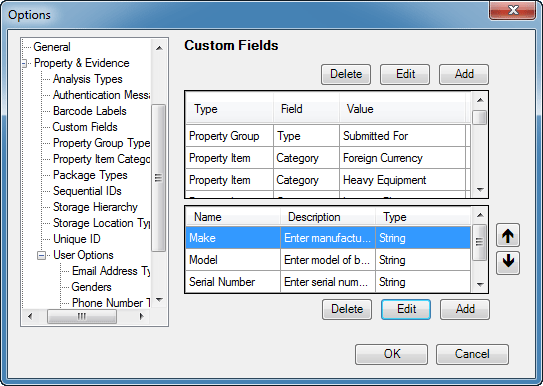
Create custom fields. Set up any number of custom fields for agency-specific SOP needs.
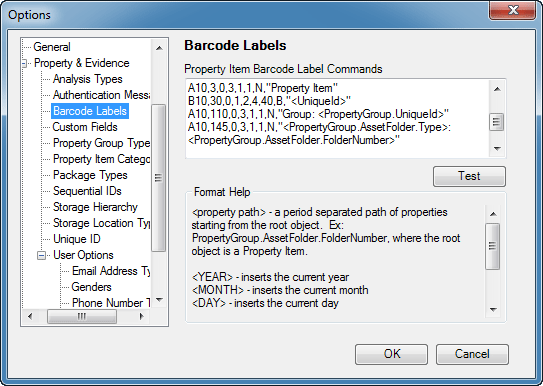
Lay out bar code labels. Customize the contents and layout of barcode labels.
Print reports. Generate numerous reports to list property items and sub-items, chain of custody, item status, bar coded audit reports, analysis reports, plus other reports useful in managing the property room.